
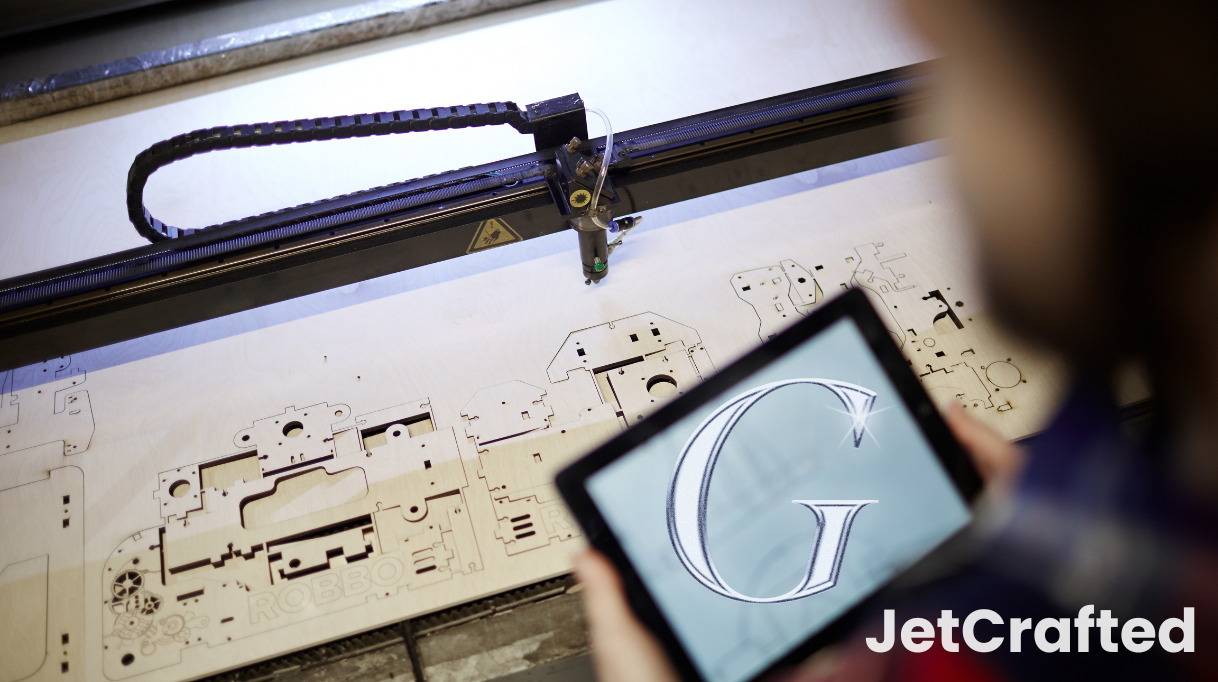
While CNC (Computer Numerical Control) machining is what makes the manufacturing industry run, the thing that makes CNC machining run are programming languages. They control the machine’s every move and help designers and engineers turn their ideas into actual objects. One such programming language is G-Code.
But what is G-code in CNC machine operations, and what does it do?
In this post, we’ll answer that question and help anyone interested in CNC machining understand how these commands guide the machine’s movements and actions with precision. You’ll learn how this code programs the equipment to perform complex tasks accurately and quickly and helps turn the most complex designs into reality.
Do All CNC Machines Use G-Code?
G-code is the primary language that translates design intentions into actions that the CNC machine can execute. But do all CNC machines use G-code? The general answer is yes, but there are variations of that code as well.
By learning about programming languages like M-code and G-code and their roles, enthusiasts and professionals alike can appreciate the sophistication behind CNC operations and use CNC programming to make their machining projects even better.
At its core, G-code is a set of instructions that a CNC machine interprets to execute operations. This code controls everything from movement along the X, Y, and Z axes to the spindle speed and the path of the cutting tools. It’s a detailed script that the machine follows to turn a digital concept into a physical part.
What is the Role of G-code in CNC Machining?
You have to understand what is G-code in a CNC machine if you want to know how CNC machines operate with such precision. When designers and engineers create a product, they use CAD software to design it and computer-aided manufacturing CAM software to set the toolpaths. These toolpaths are then converted into G-code.
Each code command is a directive that contributes to the transformation of a raw material into a finished part, with an emphasis on speed, efficiency, and accuracy. Simply put, G-code is the alphanumeric expression of the machine’s operational blueprint.
Another tip that will help you get a better handle on what G-code is in CNC machine operations is to understand the jargon used to describe it. Learning other CNC machining terms and vocabulary will allow you to understand what we’re discussing easily.

How Many G-codes Are There in a CNC Machine?
The number of G-codes that a CNC machine can recognize can be quite extensive, with each code controlling different aspects of the machine’s operations. There are standard G-codes that are universally recognized by CNC machines, ensuring interoperability across different systems and manufacturers.
However, there are also machine-specific codes designed to take advantage of a machine’s particular advanced features or capabilities. These variations mean that while all CNC platforms use the same core set of G-codes, some machines need additional codes to perform at their best. That allows for a wide range of complex and precise machining tasks.
That’s why CNC engineers and designers need to know how to read G-code CNC programs so they can differentiate between the different functionalities.
The Basic Structure of a CNC Program
Regardless of the variations, each CNC program has the same basic structure:
- Start-up Sequence: Includes commands for setting the initial position, selecting the appropriate tool, and activating the coolant system.
- Main Body: This part of the program contains the operational G-code commands, which direct the machine’s movements and actions to cut, drill, or otherwise shape the workpiece.
- End Sequence: Safely shuts down operations, retracts tools, and prepares the machine for the next job.
What are the Common G-Code Commands Used To Control CNC Machines?
Each movement a CNC machine makes is pre-defined with a specific command written in the CNC programming language of G-code or M code. From the M03 spindle command initiating the spinning action to the G01 linear command dictating the straightforward tool paths, these commands are fundamental to the way a CNC machine functions.
Here are some other CNC G-code basics that are used regularly in CNC machining:
| Command | Description | Function |
| G00 | Rapid traverse | Moves the tool quickly between positions without cutting. |
| G01 | Linear interpolation with feed rate | Moves the tool in a straight line from point to point at a specified feed rate. |
| G02/G03 | Circular interpolation (clockwise/counterclockwise) | Moves the tool in a circular arc around a specified center point at a specified feed rate. |
| G04 | Dwell | Pauses the program execution for a specified time. |
| G17/G18/G19 | Plane selection | Select the plane in which the tool will move (XY, XZ, or YZ). |
| G20/G21 | Unit mode | Sets the units of measurement used in the program (inches or millimeters). |
| G40/G41/G42 | Cutter compensation | Controls the offset of the tool path to compensate for the tool diameter. |
| G54-G59 | Work offset | Defines different coordinate systems for different setups or parts. |
| G81/G82 | Drilling cycles | Pre-programmed cycles for CNC lathes used for drilling holes, including deep hole drilling and boring. |
| G90/G91 | Absolute/incremental programming | Specifies whether coordinates are absolute (relative to machine zero) or incremental (relative to the previous position). |
| G94/G95 | Feed per minute/feed per revolution | Sets the feed rate units used in the program. |
G-Code Modality and Coordinate Systems
In G-code CNC programming, understanding the nuances of modal and non-modal commands will make it easier to create efficient and error-free machine operations. Modal commands are instructions that set a condition that remains the same across multiple lines of code. They remain active until another command replaces them.
This means that once a modal command is initiated, the CNC machine continues to follow that command until it’s explicitly changed, simplifying the code and reducing the potential for errors.
Non-modal commands, on the other hand, are executed once and then disregarded, such as a command to move to a specific point in the coordinate system. CNC machining uses the Cartesian coordinate system, which divides the machine’s work area into a grid, defined by the X, Y, and Z axes, representing horizontal, vertical, and depth movements, respectively.
Safety Considerations When Programming G-Code For CNC Machines
Operators and programmers must be aware of the safety considerations when they program G-code for CNC machines. Incorrect programming can not only result in a flawed product but also pose significant safety risks to both the machine and the operator.
The primary concern in CNC programming is creating the correct tools paths. These paths guide the cutting tools along the necessary trajectories to shape the workpiece.
The wrong tool paths can cause the machine to behave unpredictably, which can lead to collisions between the tool and the workpiece or even the machine itself. Such incidents can damage the part, the tooling, or the machine part and, in some cases, can be dangerous to the operator. CNC code must be meticulously written and verified to avoid these risks.
Some CNC G-code software has a simulation feature that programmers can use to visualize and test the tool paths before actual cutting begins. By running a simulation they can see and correct potential issues that could cause issues during the machining process. It’s the best way to ensure that the programmed instructions are both efficient and safe.
Also, you shouldn’t ignore the capabilities and limitations of the machine and the tools. Inputting parameters that need excessive speed or feed rates can strain the machine’s mechanical components, leading to overheating or failure. Additionally, programming that does not account for the physical size of the tools can result in interference with the workpiece clamping system or the machine itself.
Part of the best practices for safety in CNC programming is to establish a clear protocol for reviewing and approving G-code before it’s loaded into the machine. This often involves a step-by-step verification process by a second set of eyes, which can catch errors that the original programmer might have overlooked.
Furthermore, operators should be trained to recognize signs of potential problems, such as unusual noises or vibrations during machining, and to stop the machine immediately if these occur.
Final Thoughts: What Is G-Code In CNC Machining
G-code is the foundation of CNC machining, turning design blueprints into precise instructions that the CNC machines can follow. It controls everything, from the axes’ movements to tool changes and speed controls.
Anyone looking to get a job with a manufacturing company or try out a new hobby must understand what is G-code in CNC machine processes, as it is a critical component in the manufacturing of complex and intricate parts with high precision.
FAQs
1. What differentiates G-code and M-code?
G-code is a language that defines the movements of a CNC machine, such as paths and speeds. M-code controls the machine’s other functions, like turning on a coolant or changing a tool. Together, they program CNC machines, but G-code is about motion, while M-code manages auxiliary functions.
2. Can G-code be generated automatically from CAD/CAM software?
Yes, CAD and CAM software can generate G-code. The process involves designing a part in CAD software and then using CAM software to create a toolpath. The CAM software converts this into G-code, which CNC machines can read and execute.
3. How do I learn to write and read G-code?
Start with basic tutorials online or in textbooks. Practice by writing simple programs, then progress to more complex codes. Simulators can help you understand how G-code translates to machine actions. Reading and editing existing code is a good way to improve your skills. Consistent practice and hands-on experience are key to learning.